Basics6 min read
Five tools big retailers use that small stores can now afford
By the BasketBooster team
The short answer
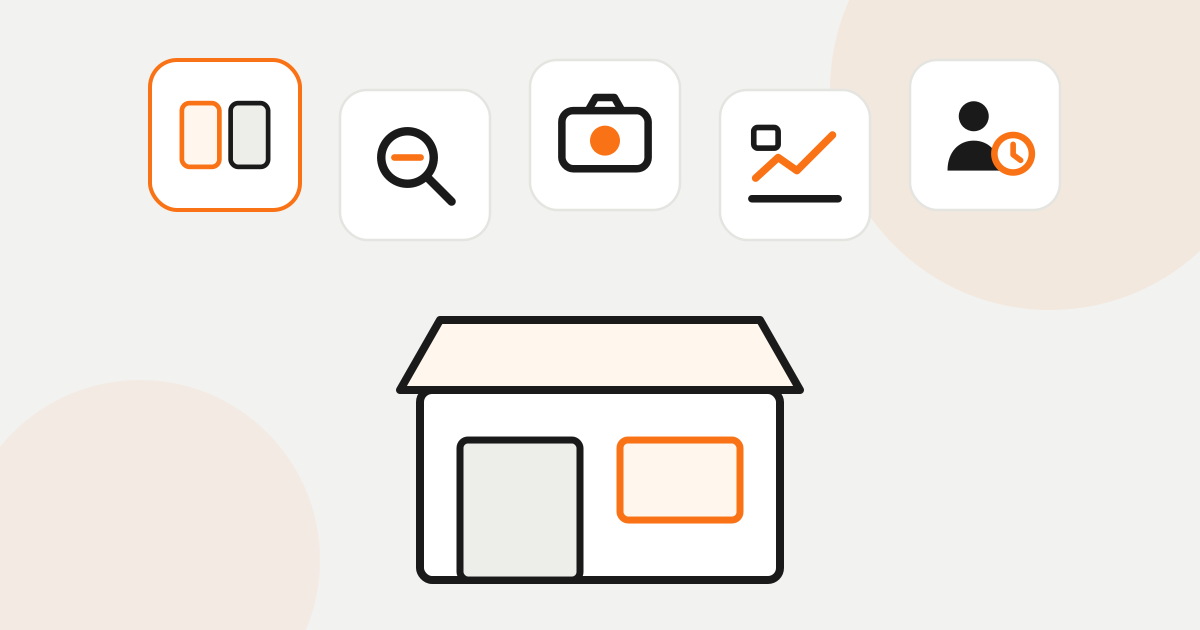
The largest online retailers have used five tools for years: product recommendations, a search that forgives typos, search by photo, demand forecasting and churn alerts for customers who drift away. Each one used to need engineers and a large budget. A small store can now get them as a monthly subscription that starts from €19, with no developer and a 30-day free trial without a card.
Your customers also shop at the largest online retailers. There they are used to being told what else they need, to a search box that forgives a missed letter, to products being in stock, and to a reminder that arrives about when the coffee runs out.
Then they come to you. Your prices may well be better, but if the store does none of that, it is harder to buy from. Nobody thinks of it in those words. They close the tab.
For a long time each of these things needed engineers and a serious budget, which is why small stores competed on price and little else. That has changed. The five tools below are now a monthly subscription that installs in minutes.
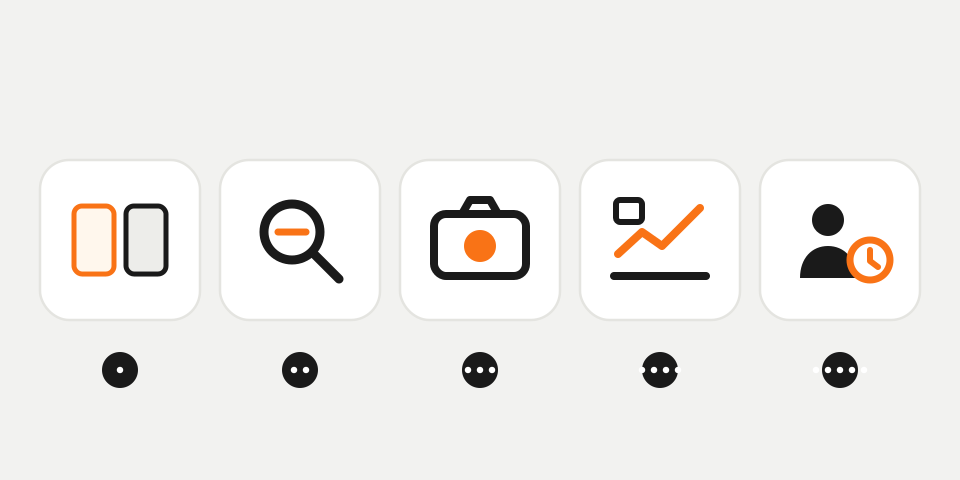
Side by side they look like this.
| The pain | The tool | What you get |
|---|---|---|
| A visitor looks at one product and leaves | Recommendations | Bigger orders from the visitors you already have |
| The customer types it their way and sees “no results” | Smart search | They find the product despite the typo |
| They saw it somewhere and cannot name it | Search by photo | They take a picture and see the closest match in your catalog |
| Your best seller runs out on Friday while money sits in stock that does not move | Demand forecasting | A list of what to reorder and by when |
| A regular stops ordering and you do not notice | Customer intelligence | You see who is drifting while you can still win them back |
1. Recommendations: when they look at one product and leave
You pay for the ad, the visitor lands on a product, has a look and goes. Or they do buy, and the basket holds exactly one item. The four “related” items under the product are ones you picked by hand two years ago.
A recommendation engine reads your order history and shows what your customers really buy together. Next to a camera it suggests a memory card, where a theme that matches by tag would offer a second camera.
It does this on the product page, in the cart and on the home page. Across stores running BasketBooster, average order value is up 18%, though results depend on your catalog and traffic. The mechanics are in what is a recommendation engine, and the product itself is on the recommendations page.
2. Smart search: when the customer types it their way
The customer types “sneakers” one letter short, or uses a word you never put in a product title. The store answers “no results” although you have the product in stock. They rarely try a second time.
Smart search forgives spelling mistakes, understands whole sentences and uses synonym lists you write yourself. If your customers say “sweatshirt” and you list it as “hoodie”, they still find it.
Searches that found nothing show up in your weekly email, so you learn what people want that you do not stock or call something else. Search runs on WooCommerce and custom stores today. More in store search that understands shoppers and on the search page.
3. Search by photo: when they cannot name it
She saw a lamp at a friend’s place, or a jacket on someone in the street. She knows what it looks like and has no idea what to type. With furniture, clothes and decor this happens all the time.
Search by photo (also called visual search) lets the customer upload a picture, or take one with the phone, and see the closest products in your catalog.
The photos are analyzed on the spot and never stored. It comes with the text search, on the same plan and platforms. Visual search: find products by photo covers which stores get the most from it.
4. Demand forecasting: when the best seller runs out on Friday
Your best-selling product runs out on Friday afternoon and the supplier is back on Monday. Meanwhile the stockroom holds boxes that have not moved since spring, and your money is inside them.
Demand forecasting works out, for every product, how much will sell over the next 28 days. It uses your order history, the weather and the holiday calendar.
You get an alert before something runs out, a reorder list with dates and quantities, and the slow stock with a suggested markdown. On Monday a short email lists three things to do. You still place the supplier order yourself. It works with Shopify, WooCommerce and custom stores. See demand forecasting for online stores.
5. Customer churn: when a regular stops ordering
You have a customer who orders every six weeks. Then they stop. Nobody calls to say they have left, and you notice months later, if you notice at all.
Customer intelligence tracks the ordering rhythm of each customer and, every night, flags the ones running late against their own habit. That is churn risk: the chance that a customer is on the way out.
The list goes to your email tool, or into an automated email that reminds them to restock or invites them back with a discount code. The numbers are estimates and will sometimes be wrong. They still beat finding out in spring that someone left in autumn. Today it runs on WooCommerce and custom stores. More in customer churn in ecommerce.
What happens to stores that wait
Nothing dramatic happens next month. Your store keeps working as it does now.
But the competitor who uses these tools sells more from the same traffic, runs out of stock less often and keeps more of their customers. Each visitor is worth more to them, so they can pay more for the ad you are both bidding on.
The gap opens slowly, and that is what makes it hard to close. By the time you decide to catch up, their recommendations and forecasts have learned from far more orders than yours.
Why it is no longer expensive or hard
A few years ago each of these was a separate project with a developer attached. BasketBooster sells them as a subscription from €19 a month, with a 30-day free trial and no credit card.
You do not need a developer. Shopify has an app, WooCommerce a plugin, OpenCart an extension, and on anything else you paste one line of code. You install once and switch on what you need.
The maths on when it pays for itself is in what BasketBooster costs and what it returns, and the plans are on the pricing page.
If you can only do one thing
Start with recommendations. Any store with orders can use them from day one, because bestsellers and trending products show up straight away and the “bought together” pairs get better with every new order.
They are also the easiest to check: the dashboard shows which sales came from a recommendation, so after a month you know whether to keep them. If stock is your next headache, add forecasting. If people search and come up empty, add search.
Questions merchants ask
- Do I need all five at once?
- No. It makes sense to start with recommendations and add the rest when you feel the need. Search and forecasting come with the Growth plan and customer intelligence with Scale, so you only pay for them once you want them.
- Do I need a programmer?
- No. You install an app or a plugin, and on a custom store you paste one line of code into the site header or your tag manager. If you have ever added a tracking code to your site, you can do this.
- How long until I see a result?
- Most stores show live recommendations the same day, and the dashboard starts counting clicks and sales from them right away. Give it a few weeks before you judge the effect on average order value. Forecasts and churn risk get more accurate as history builds up.
- Is my store too small for this?
- If you have orders and more than a handful of products, no. A new store mostly sees bestsellers in its recommendations until orders build up, and that already helps. A store with a single product has nothing to recommend.
TagsExplained simplyPersonalizationDemand forecastingChurn
See it on your own store
Every plan starts with a 30-day free trial. You don’t need a credit card.