Search6 min read
Your store search says “no results” for products you sell
By the BasketBooster team
The short answer
A smart search tries to work out what the shopper meant. The search that came with your store only compares letters, so a typo, a different word for the same product or a request typed as a sentence gets an empty page, and the shopper decides you do not sell it. A smart search fixes the typo, knows the synonym, reads the sentence and shows your products.
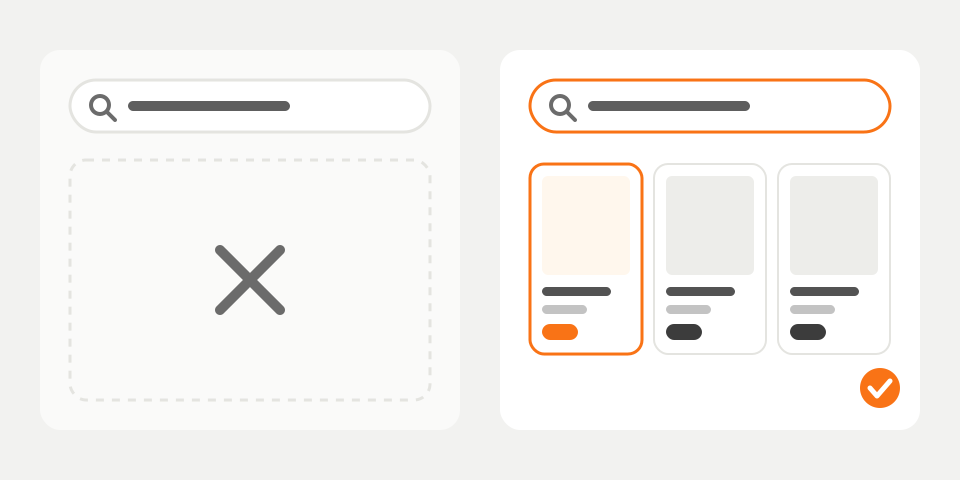
A shopper lands in your store, goes straight to the search box and types “snekers”. She is on her phone, typing with one thumb. Your store answers “No results found”. You have forty pairs of sneakers in stock. She closes the tab.
You will never hear about that sale. Nobody writes in to say they searched and found nothing. In your analytics it is one more short visit.
Why is my store’s search losing me sales?
The search that came with your platform compares the letters the shopper typed with the letters in your product titles and descriptions. If they match, it shows the product. If they don’t, it shows an empty page.
People don’t type the way you filled in your catalog. Four things go wrong every day:
- A typo. “Snekers”, because on a phone the thumb hits the wrong key.
- A different word. The shopper types “trainers” and your titles say “sneakers”. Or they type “laptop” and your catalog says “notebook computer”.
- A different keyboard. If you sell in a language with its own alphabet, plenty of shoppers type it in Latin letters.
- A whole sentence. “Gift for my grandmother” or “something warm for the mountains”.
Each time you have something to sell and the shopper concludes that you don’t. And this was the shopper closest to buying. Someone typing into the search box already knows what they want.
What is a smart search?
A smart search is a search box that tries to work out what the shopper meant before it decides you have nothing. It corrects typos, knows that two different words can mean the same product, and shows results while the person is still typing. It sits on the search box your store already has.
What does it do differently from the search I have now?
It forgives typos
“Snekers”, “sneakrs” and a half-typed “sneak” all lead to sneakers. Plurals work the same way, so a search for “mug” also finds “mugs”.
It reads the other keyboard
A Bulgarian shopper who types “maratonki” on a Latin keyboard gets the same results as one who types the word in Cyrillic. It works the other way round too, for a Latin brand name spelled out in Cyrillic.
It knows your customers’ words
Your catalog says “wellies” and your customers type “rain boots”. In the dashboard (the BasketBooster control panel) you add a rule saying the two mean the same thing, and it applies from the very next search. That is how you fix “trainers” and “sneakers”, or “laptop” and “notebook computer”. A store can hold up to 200 of these rules.
It understands a whole sentence
The site calls this AI search. Matching “by meaning” is simpler than it sounds: the search stops hunting for the words of the sentence inside your titles and looks for products that fit what the person described. “Something warm for the mountains” lands on fleeces and thermal layers even though no title contains the word “warm”.
AI search runs on your own OpenAI key (the key is the password to your OpenAI account, so that part of the bill comes to you from them) and you switch it on from the dashboard. If the key ever stops working, word search carries on as before.
| What the shopper typed | Standard search | Smart search |
|---|---|---|
| snekers | No results found | Results for “sneakers” |
| maratonki (Bulgarian store) | No results found | The same sneakers as a Cyrillic search |
| trainers | Only products that happen to say “trainers” | All your sneakers, once you add the synonym |
| something warm for the mountains | No results found | Fleeces and thermal layers (with AI search on) |
Results also appear in a dropdown while the shopper is still typing, so many people click a product before they finish the word.
I have sold fine without it. Why does it matter now?
Your customers have got used to something else. The search engines they use every day and the largest online stores correct their mistakes without asking. So when your store returns an empty page, the shopper doesn’t think “I made a typo”. They think “they don’t have it”.
They rarely try again, because the next store is one tap away and the same misspelled word will show products there. Your current search isn’t ruining you. It is letting go of some of the people you already paid an ad to bring in, and you can’t see how many.
There is a side benefit too. Searches that found nothing are logged and arrive in your weekly email. When people keep asking for something you really don’t stock, that goes on your next purchase order.
What does it need from me?
Very little. The search reads your catalog by itself, so you don’t tag products by hand and you don’t rewrite titles. It picks up new and changed products without you, and it is live a minute or two after you install it.
The one job worth doing by hand is the synonyms. Sit down with whoever answers your phone and write down the words customers use that are not in your titles.
What can’t it do?
It can’t find a product you don’t stock. It also can’t find a product that has no title and no description. If an item is listed as “Article 4471” and nothing else, no search will guess it is a wool blanket.
Today search works with WooCommerce and custom stores. The Shopify app covers recommendations and forecasting, and search has not arrived there.
Some shoppers can’t put what they want into words at all, like a jacket seen on the street. They need search by photo, the next step after text search. It comes with the same install.
How do I start?
Search comes with the Growth plan and up. Typo correction, synonyms, AI search and search by photo are all part of it. The pricing page has the details, and every plan starts with a 30-day free trial with no credit card.
If BasketBooster is already in your store, search is a switch in the dashboard. If it isn’t, you paste one line of code. The search page has a demo you can type into. Run the five-minute test before you switch it on and again after, and you will know whether to keep it. For shoppers who leave from a product page instead, see product discovery.
Questions merchants ask
- My store already has a search box. Isn’t that enough?
- It works when the shopper types exactly the words in your product titles. It fails on a typo, on a different word for the same thing and on a sentence, and it fails silently, so you don’t see the lost visits. The five-minute test in this article shows how often that happens in your store.
- Do I have to tag or re-enter my products?
- No. The search reads the catalog you already have and keeps up with changes by itself. The only thing worth adding by hand is a short list of synonyms for the words your customers use.
- Do I need an OpenAI account for it to work?
- Only for AI search, the part that understands whole sentences. Typo correction, synonyms and instant results work without it. If you add a key later, you switch AI search on from the dashboard.
- Which stores does it work with?
- WooCommerce and custom stores today. The Shopify app covers recommendations and forecasting, and search is not available there yet. Search is included from the Growth plan up.
TagsSite searchConversionExplained simply
See it on your own store
Every plan starts with a 30-day free trial. You don’t need a credit card.