Recommendations6 min read
What is a recommendation engine, and does your store need one?
By the BasketBooster team
The short answer
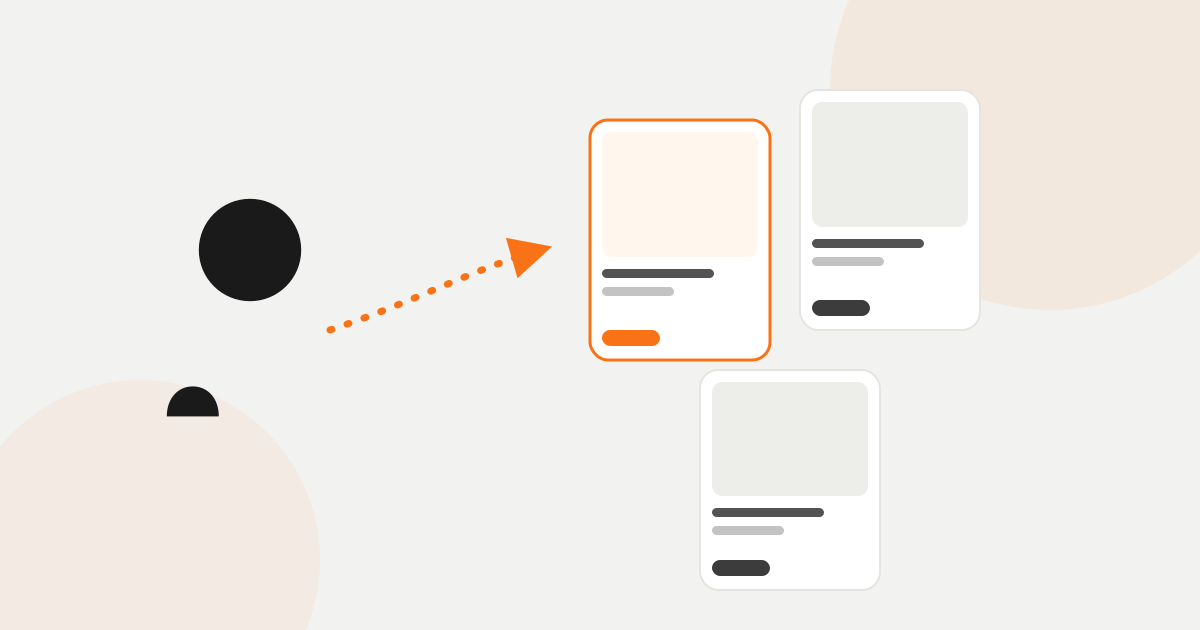
A recommendation engine is software that does what a good shop assistant does. It looks at what your customers buy in the same order and what visitors browse, then shows the next shopper the products that go with the one on their screen. It works on every page at once and learns from your own orders, so you maintain no lists.
Walk into an outdoor shop and ask about a tent. A good assistant shows you one, then adds: “Most people take the footprint with it, otherwise the floor wears through in a season.” A minute later: “If that one feels heavy, look at this one.” You leave with a tent and a footprint, and you feel someone helped you.
Your online store has no such person. A visitor arrives from an ad or from Google, lands on one product, looks at it for a minute and leaves. If they buy, they buy that one thing. You already paid for the visit, and they never found out what else you sell.
What is a recommendation engine?
A recommendation engine is software that does the assistant’s job. It looks at what your customers put in the same order and what visitors browse, and uses that to decide which products to show the next person. It does this on every page, for every visitor at the same time, including at three in the morning.
Your theme probably shows “related products” already, so it is fair to ask what the difference is. The theme compares tags, which is why it puts a second camera under the camera. A recommendation engine reads orders, so it puts the memory card there, because that is what people buy with a camera.
What will my shoppers see on the page?
Rows of products, each with a photo, a name and a price, under a title that says why they are there. You know them from the big stores even if you never knew what they were called.
- Under the product sits a “Frequently bought together” row with the two or three items people take with it: the brewer, the beans and the mug.
- A little lower is “Customers who bought this also bought”, with the products other customers went on to buy after this one.
- In the cart there is a single suggestion that fits everything already in the basket, shown just before checkout.
- On the home page a returning customer sees “Picked for you”, based on what they browsed and bought before.
- A new visitor, about whom nothing is known yet, sees your bestsellers and the products that are trending right now.
The rows pick up your theme’s fonts, colours and buttons, so they look like part of the store. The recommendations page shows each of them.
How does it know what to suggest?
It learns from your store. It reads your order history and follows what visitors view, add to the cart and buy. You do not fill in “related products” by hand and you do not keep a spreadsheet. When you add a product or one sells out, you change nothing.
What it learns is often not what you expected. You would have put a sleeping bag next to the tent. The orders may show that people take a head torch. A good assistant knows this after years behind the counter, and the engine gets it from the orders.
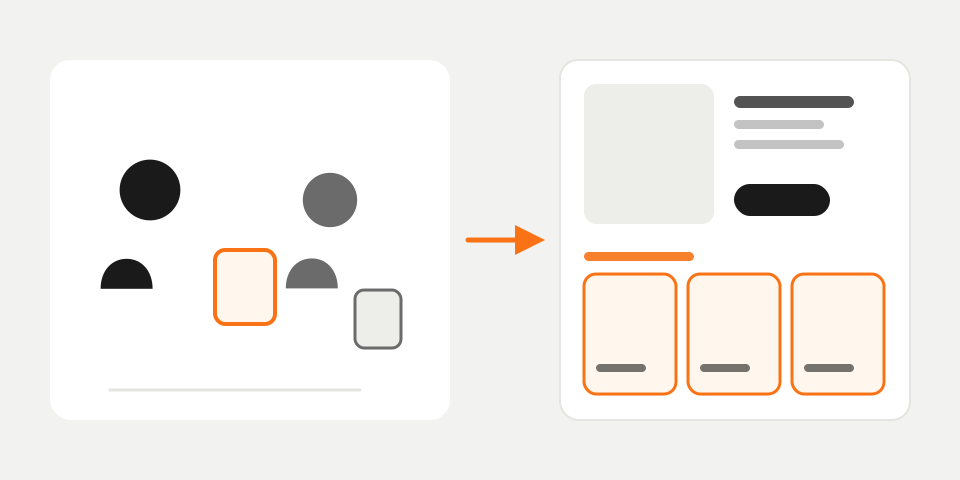
You still have the last word. You can pin a product you want to push, hide clearance stock, or boost a brand or a category, the same way you would tell an assistant “offer this one first this week”. It does not need to know who your customers are either. It works with anonymous IDs for products, visitors and orders, with no names and no emails.
Isn’t this only for the giants?
It used to be. Building something like this took a team of engineers and more engineers to keep it running, so only the largest retailers had it. Today it is a subscription. On Shopify you install an app, on WooCommerce or OpenCart a plugin, and on a custom store you paste one line of code into the template. The plugins page lists the options.
Setup takes minutes, and most stores show live recommendations the same day. If you can paste a line into your site header, you do not need a developer.
What changes in my store?
The basket changes first. A customer who has already decided on the brewer sees the beans and the mug, and some of them add both. You sold those at full price. You did not need a free-shipping threshold or money off the second item to do it. Across stores running BasketBooster, average order value is up 18%. Your number depends on your catalog and your traffic, so measure your own.
Visitors also see more of what you sell. Every store has products that sell well once someone sees them and that sit in a category nobody opens. Recommendations put them on the pages that do get traffic. There is a longer article on what recommendations do for a store if you want the detail.
What if my competitors have it and I don’t?
Nothing dramatic happens overnight. The effect is slower than that. People shop at many stores and get used to being guided: they look at a product and there is something more to look at underneath. When they land on a page that ends with a description and a Buy button, they have to go back to the menu and search on their own. Some do. The rest close the tab.
Then there is the arithmetic. You and a competitor pay roughly the same for a click. If their visitor looks at four products and buys two while yours looks at one, they earn more from the same spend, and they can afford to bid more for the next click than you can.
When won’t it help, and how do I try it?
It needs some order history to get good. A store that opened last month will mostly see bestsellers and trending products in its rows, which is useful but not personal yet. A few hundred orders is enough for simple pairs to show up, and you can upload past orders as a CSV file to skip the wait. A store with five products gains little, because the shopper can already see everything on one screen.
The cheapest way to find out is to run it on your own store. BasketBooster has a 30-day free trial with no credit card, and the dashboard shows which sales came from a recommendation. After that, plans start from €19 a month. The pricing page has the details.
Questions merchants ask
- Do I need a developer to set it up?
- No. On Shopify you install an app and on WooCommerce a plugin. On any other store you paste one line of code into the site header or your tag manager, and that is the whole installation.
- Will it slow down my site?
- No. The widgets load asynchronously, which means the page shows first and the recommendations fill in after it. Your page speed stays as it was.
- Do I have to choose the recommended products myself?
- No. The engine works them out from your orders and from what visitors browse, and it updates as new orders come in. If you want a say, you can pin, hide or boost products from the dashboard, and the rule applies as soon as you set it.
- Is it only worth it for big stores?
- No. Bestsellers and trending products work from the first day, and a few hundred orders is enough for simple “bought together” pairs. A store with only a handful of products is the one case where it adds little.
TagsExplained simplyPersonalizationCross-sell
See it on your own store
Every plan starts with a 30-day free trial. You don’t need a credit card.